I usually learn new things when a real client project forces me to.
I keep an eye on new tools, trends, and workflows, but most discoveries only become real once they solve an actual problem in front of me. That is also how this shift happened.
For years, my reliable WordPress stack looked something like this: Blocksy, the block editor, and plugins like Greenshift when I wanted more design flexibility. Unless a client already had a precise design direction, I often started from a template and worked from there, replacing sections, adding new ones, removing others, and slowly shaping the website until it matched the visual, structural, and functional result I wanted.
That process worked. It still works.
But it also takes time, and a lot of that time is spent on manual setup, repetitive page building, content placement, and project scaffolding before the real polish even starts.
In 2026, that word, manual, is starting to disappear from my workflow, and a client build like Happy Mortgage is where I first felt that change in practice.
AI changed the scale of what feels possible
This is not the first time I have used AI in WordPress work. I have already used it for planning, writing short code snippets, generating content, and even building custom plugins or utility logic around projects.
What changed for me recently was realizing that an AI agent like Codex can do much more of the workflow autonomously than I first assumed.
Not just code generation. Not just suggestions. Actual project work.
With the right access, it can help prepare the website structure, create pages, adjust settings, work with custom post types, and handle a surprising amount of WordPress setup before I even get deep into the visual design phase.
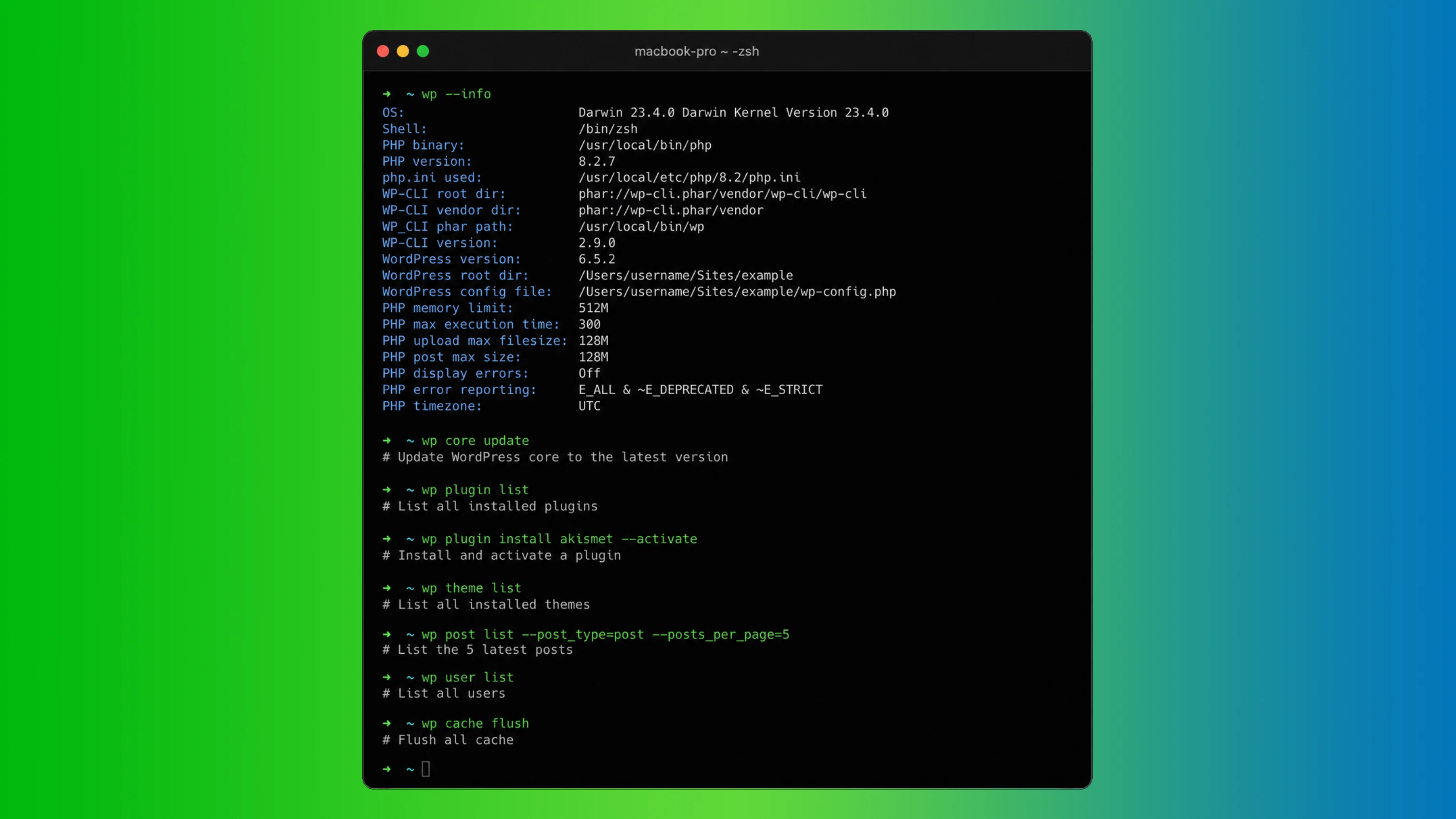
A lot of that becomes possible because of WP-CLI.
WordPress is a CMS, but it also has a very scriptable side. With WP-CLI, you can install and update plugins, import content, create users, run search-replace across the database, manage multisite, configure settings, and fold all of that into scripts, cron jobs, or deployment steps. A surprising amount of the work that used to live entirely inside the dashboard can now be automated from the terminal.
That changes the whole rhythm of the project.
Instead of doing every setup step by hand, I can now describe what the project needs, let the agent prepare the structure, and spend more of my time reviewing, guiding, and improving.
Choosing the stack Codex could work with best
At the time of writing, I had active licenses for:
- Blocksy Pro + helper plugin
- Greenshift Pro
- Breakdance Builder Pro
- GeneratePress + GenerateBlocks Pro
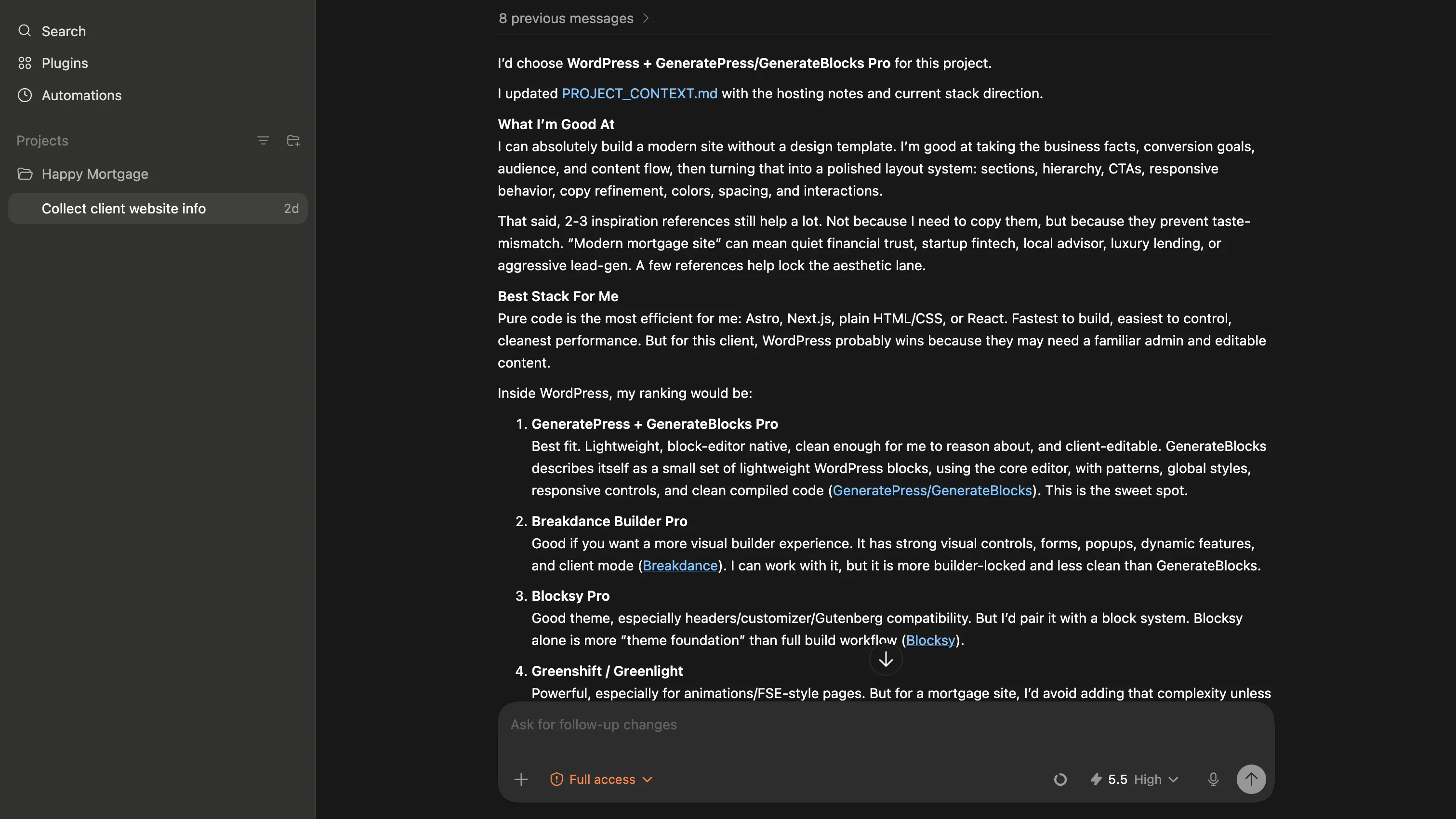
I asked Codex which stack would be the simplest and most reliable for it to work with, and it chose GeneratePress + GenerateBlocks Pro.
That made sense.
GenerateBlocks is lighter, Gutenberg-native, and structurally cleaner than heavier visual builders. It uses a more predictable block-based system, which makes it easier for an agent to inspect, reason about, and modify without fighting a huge layer of proprietary abstraction. Breakdance is powerful, and Greenshift can do a lot too, but GenerateBlocks felt like the cleanest place to start if the goal was to collaborate with an AI agent rather than only design visually by hand.
I also found a GenerateBlocks-focused skill on GitHub that is built specifically for LLM workflows: GenerateBlocks Skills. Resources like that make the whole process even more practical, because they help the model work with a plugin in a more structured way instead of guessing.
My new workflow
This is the workflow I have started using, and I do not think I will ditch it anytime soon:
- SSH access to the server where WordPress is installed
- WP-CLI available on that server
- a page builder stack the agent can work with
- an AI agent like Codex with terminal access
I collect project information in one folder: business notes, structure ideas, copy direction, and a few design references. Then I ask Codex to work with that material and deploy directly into WordPress.
At that point, I am less of a hands-on implementer and more of an orchestrator.
That is the part that really surprised me. I can now plan, scaffold, and prepare a website structurally with one prompt before I even get into the detailed page design work.
Is the output perfect?
No. Not even close.
At least not yet.
To ship a polished website, I still need a lot of back and forth with Codex on smaller layout details, spacing adjustments, wording changes, hierarchy fixes, and behavior tweaks. I still do some things manually because, in certain moments, it is simply faster to move a block myself than to explain a visual nuance perfectly.
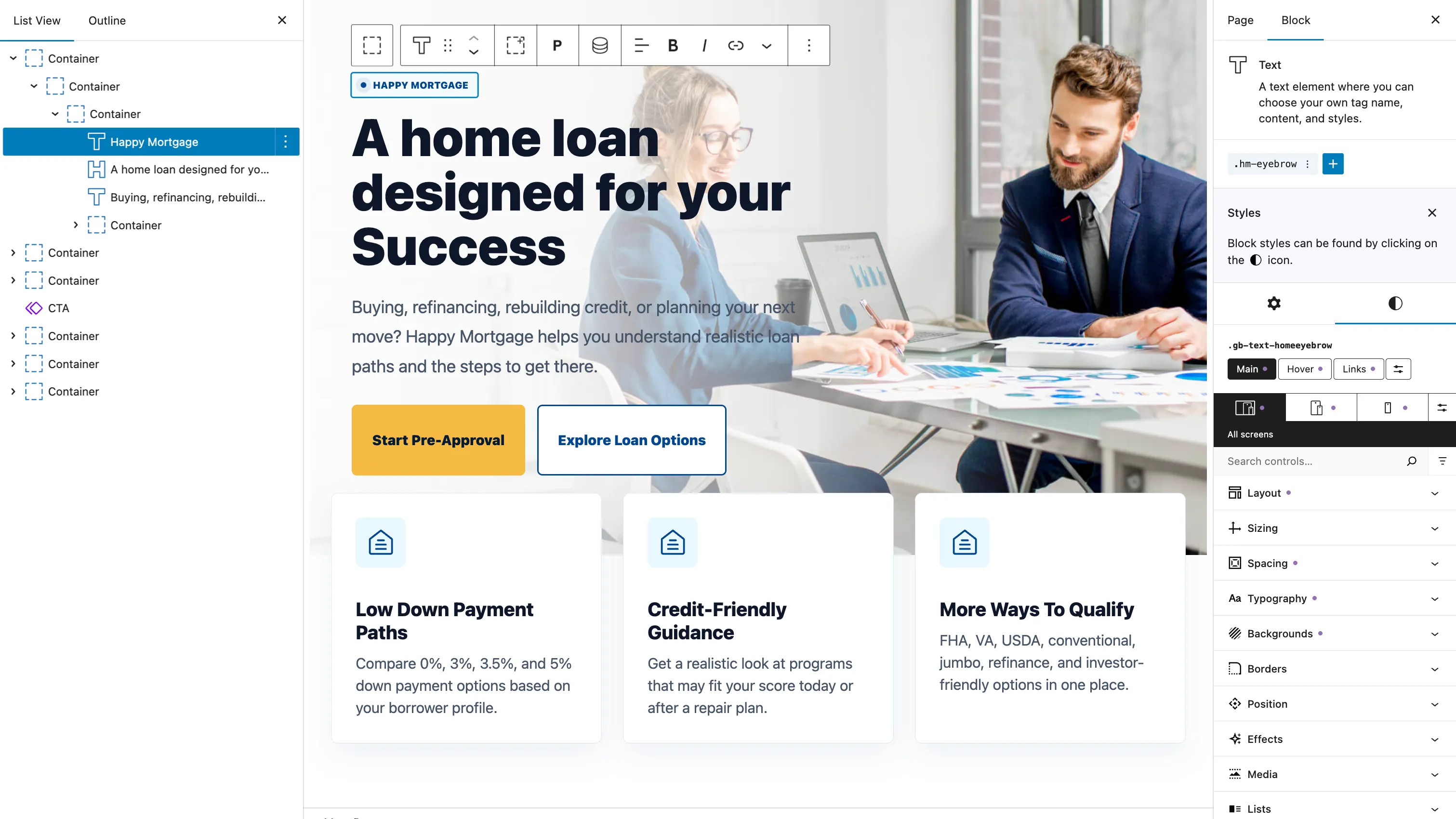
AI-generated GenerateBlocks output after several prompts, with a bit of manual polish from me afterward.
But that does not reduce the value of the workflow for me. It still saves a huge amount of time.
I do less planning from scratch. Less repetitive setup. Less copy-pasting. Less content wrangling. Less of the boring groundwork that used to eat hours before the interesting part of the job even began.
Now my main responsibility is to make sure the website still meets the standards I have developed over the years, patch the gaps, and polish the design and user experience until it feels finished.
That is a very different role from doing every single step manually.
Where I think this is going
This still feels early, which is exactly why it is so interesting.
I do not think WordPress is going anywhere. It still has a strong place as a CMS, especially for client work. But I do think the way pages get built inside WordPress is going to change a lot over the next few years.
For me, vibe coding is not about pressing one button and pretending the website is done. It is about removing more of the friction between intent and execution.
And once you feel that shift in a real project, it is hard to ignore.